How do I answer or hang up phone calls on my EP320?
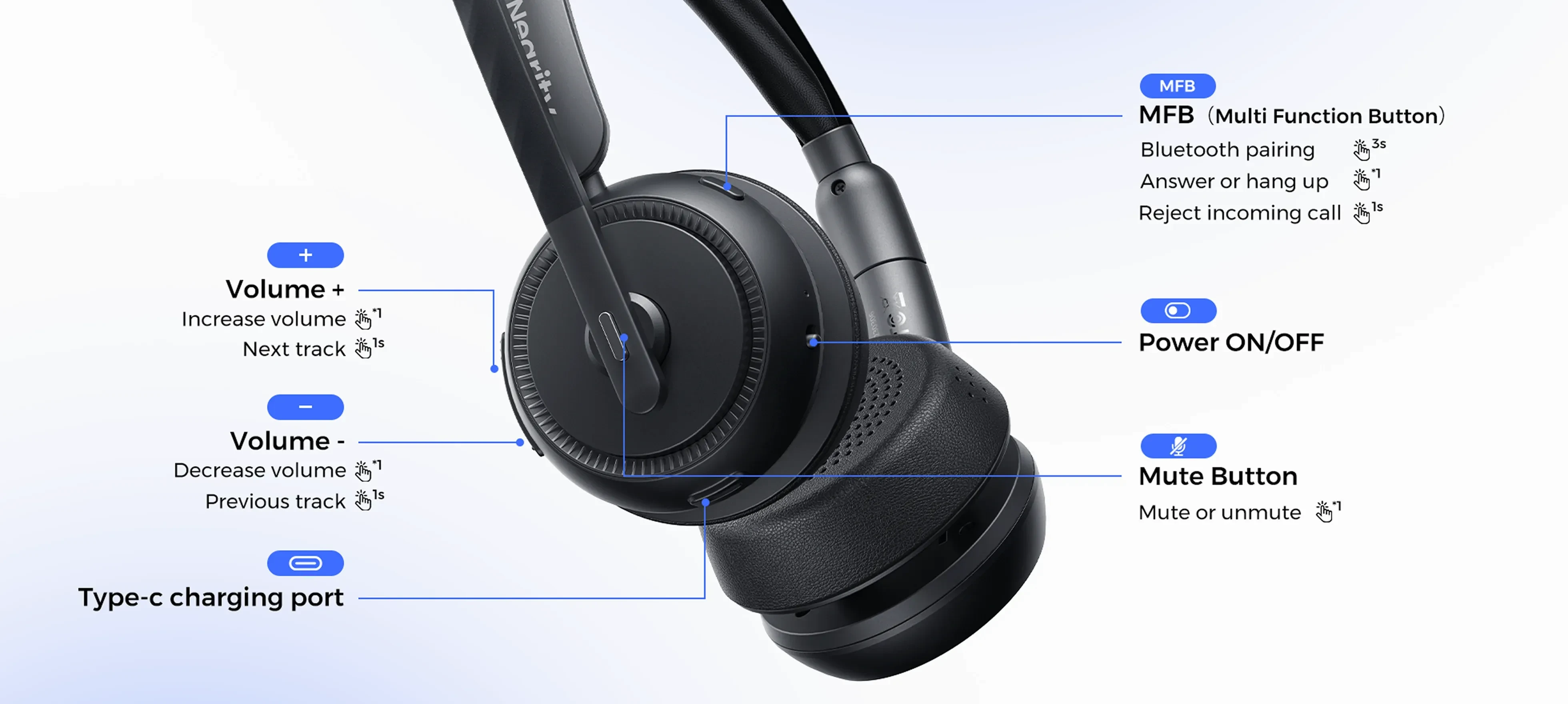
This article applies to the Nearity EP320 over ear noise cancelling headphone. MFB Button Controls. When the EP320 is connected to a mobile phone (cellular calls only) : • Single press the MFB button…
This article applies to the Nearity EP320 over ear noise cancelling headphone.
MFB Button Controls
When the EP320 is connected to a mobile phone (cellular calls only):
• Single press the MFB button: Answer or end a call
• Double press the MFB button: Redial the last number
Important Limitations
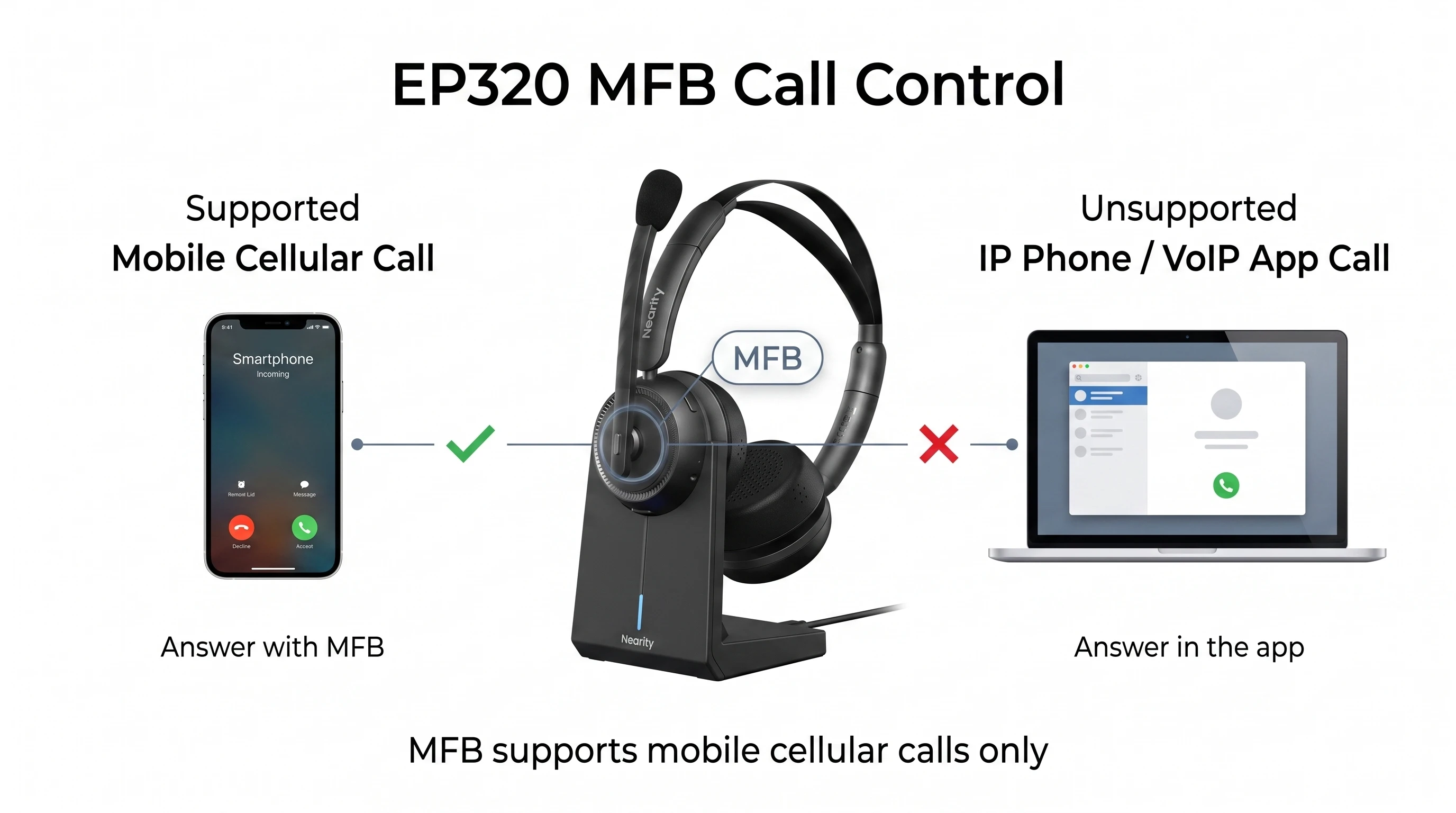
• The MFB button call control works for mobile cellular calls only (your phone’s built-in system phone calls).
• It does not work for IP phones, VoIP desk phones, or computer softphones (such as Teams or Zoom). For online calls, please answer and end the call with your mouse in the app.
• Some smartphones support auto-answer when a headset is connected — check your phone settings.
• If the headset connects after a call has already started ringing, you will need to answer that call manually on the phone.
If you have further questions, please contact us: support@nearhub.us
How did we do?
Will the EP320 work with my Polycom VVX phone?
Does the EP320 work with Teams, Zoom, or Webex?

