Why Is My NearHub Tail Not Working?
Issue. Your NearHub Tail is not working properly. You may experience one of the following issues: Your newly purchased NearHub Tail cannot connect to the Board. Your NearHub Tail was working previous…
Issue
Your NearHub Tail is not working properly. You may experience one of the following issues:
- Your newly purchased NearHub Tail cannot connect to the Board.
- Your NearHub Tail was working previously but suddenly stopped working.
- Screen casting is slow, laggy, or blurry.
Solution
1. For First-Time Users
If you are using NearHub Tail for the first time, please make sure it has been properly paired with your NearHub Board.
Follow this guide to complete the pairing process:
How to Use NearHub Tail with a Windows-Based NearHub Board
2. If Your NearHub Tail Suddenly Stops Working
If your NearHub Tail was working normally before but suddenly stopped working, please try the following:
- Update Cast: Update the Cast application on your NearHub Board to the latest version and check whether the issue is resolved.
- Contact Support: If the issue persists, please record a short video showing the problem and send it to our NearHub Support Team. This will help us identify and troubleshoot the issue.
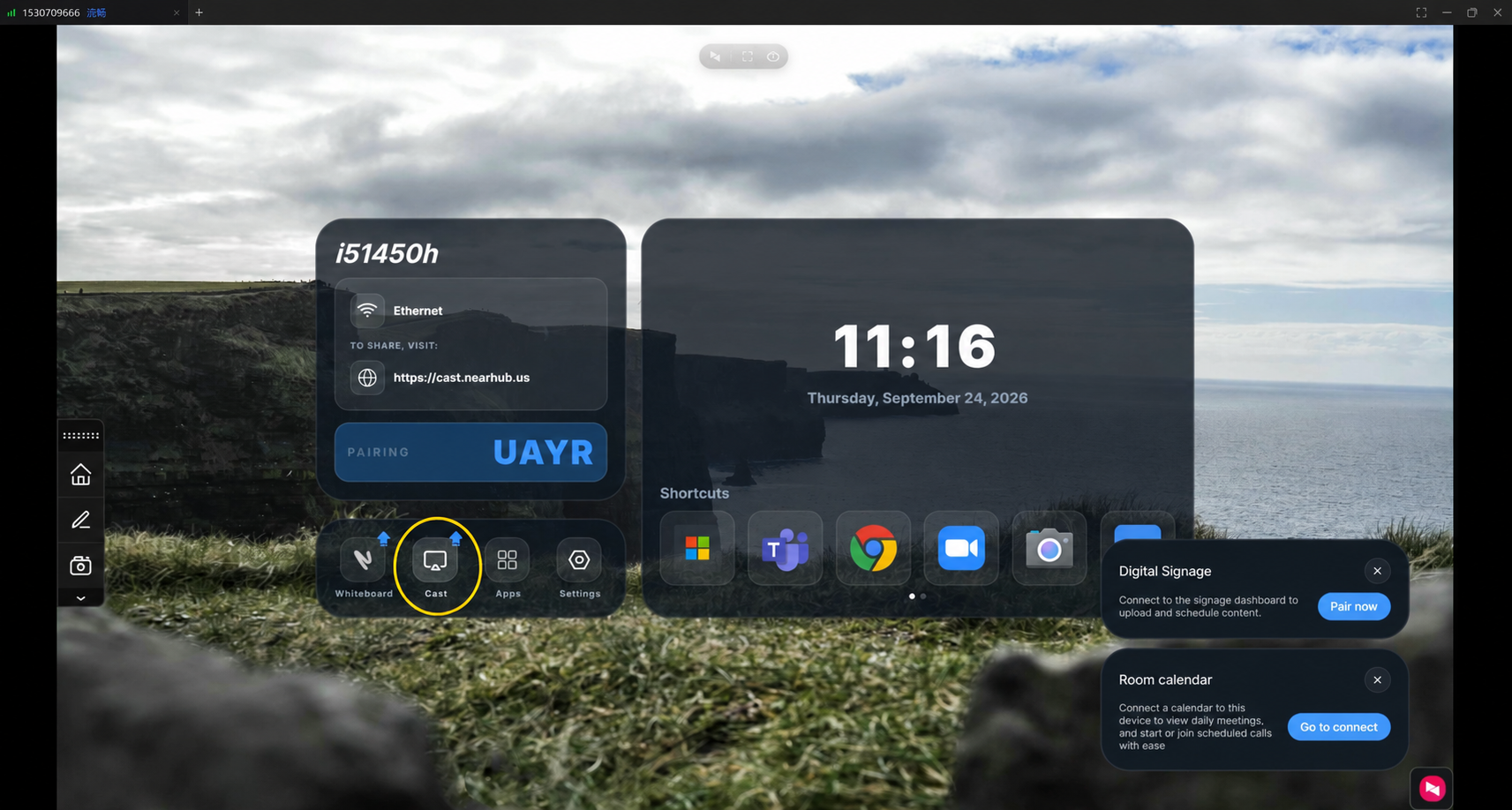
Note: Updating Cast may also help resolve other screen casting issues, such as slow performance, lag, or blurry image quality.
If You Still Need Help
If the steps above do not resolve the issue, please contact NearHub Support at support@nearhub.us.
How did we do?
Why Does My NearHub Board Show "Windows Is Not Activated" on First Use?

