Why can’t I answer IP phone or VoIP calls with the EP320 button?
This article applies to the Nearity EP320 wireless headset with mic for work. Short Answer: No. The EP320 does not support answering IP phone calls or third-party calling app calls directly using the…
This article applies to the Nearity EP320 wireless headset with mic for work.
Short Answer: No
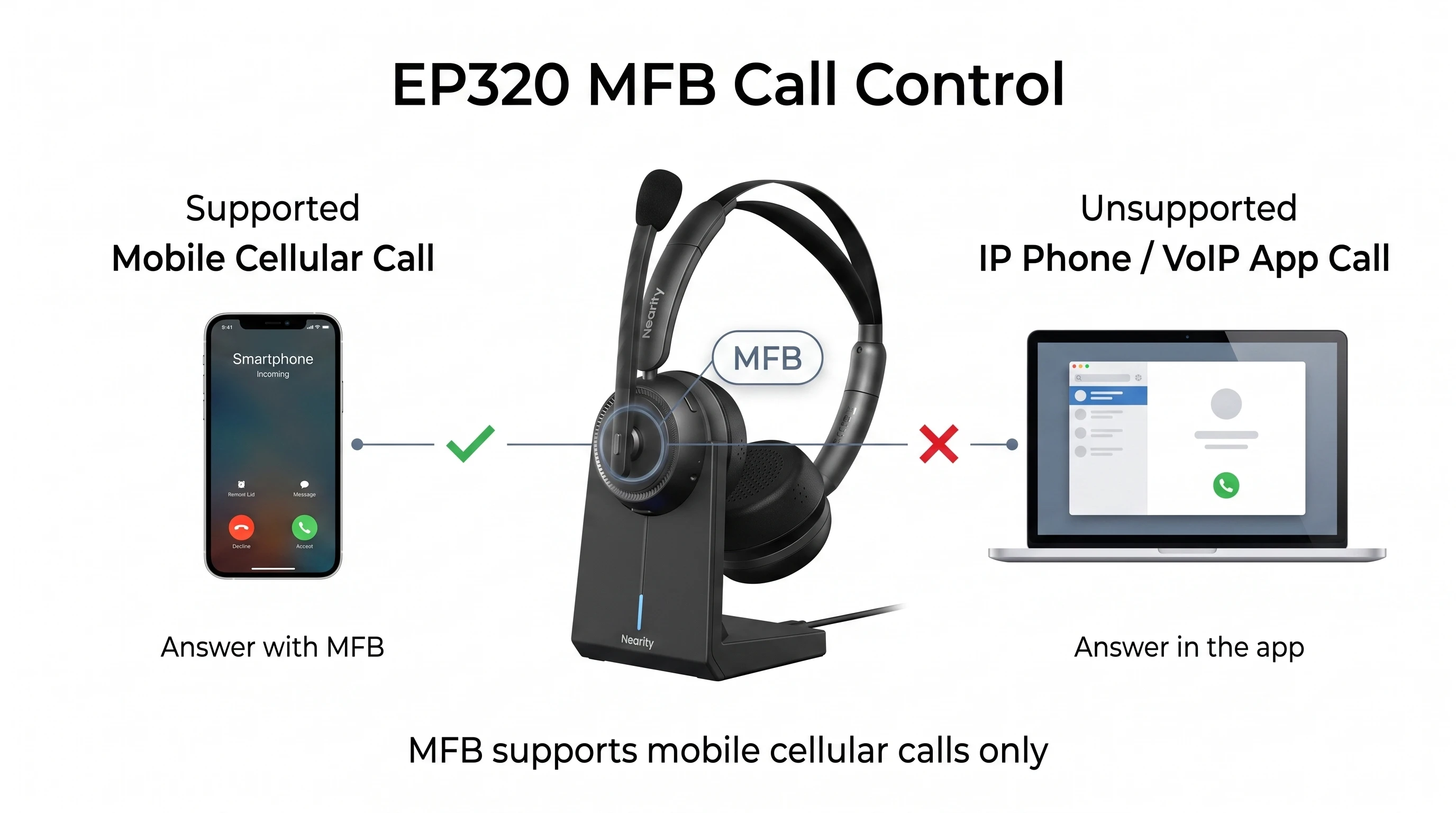
The EP320 does not support answering IP phone calls or third-party calling app calls directly using the headset button.
How to Handle IP Phone / VoIP Calls
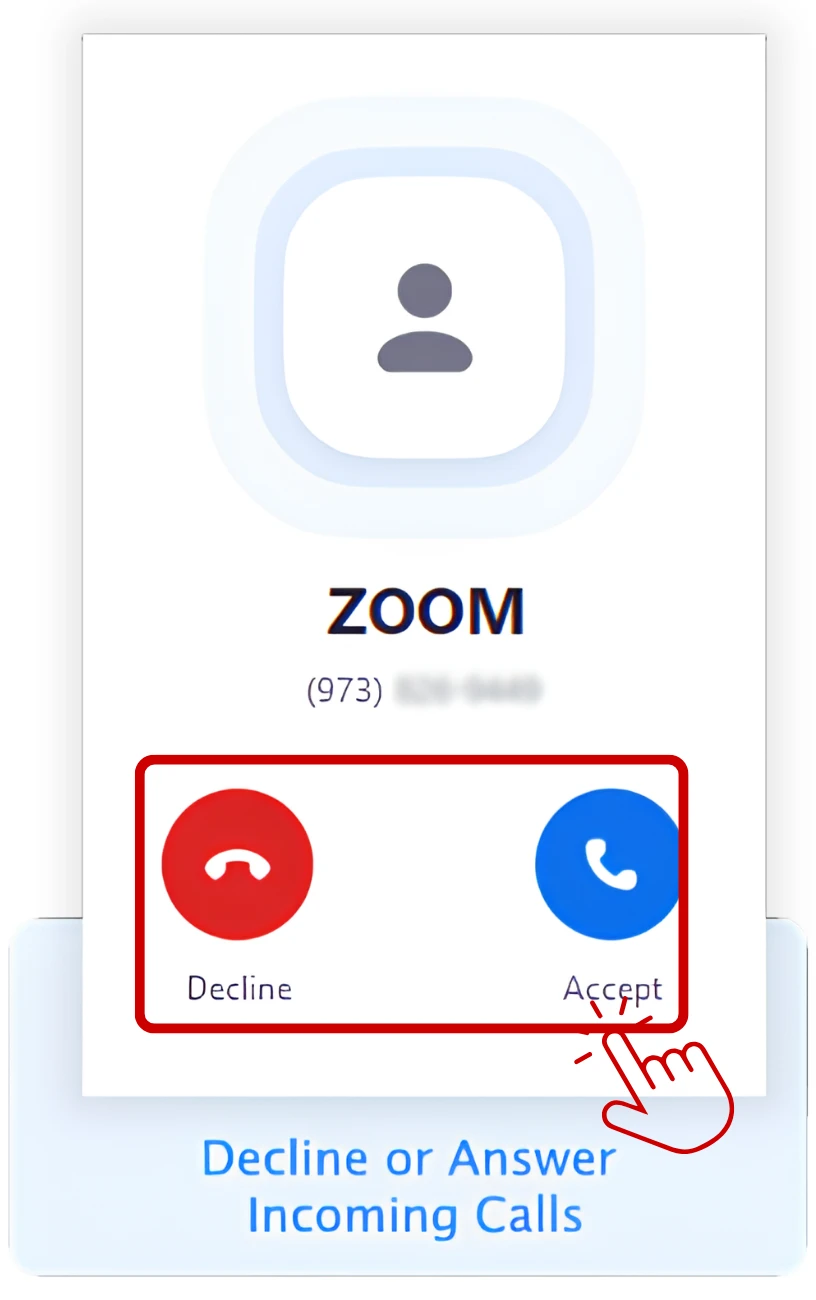
1. When a call comes in, click “Answer” in the application interface first — for example, using your mouse or tapping the answer button in the software.
2. Once the call is connected, you can use the EP320 normally for the conversation.
Take Zoom as an example:
Why?
The MFB button on the EP320 only supports answering mobile cellular calls (your phone’s built-in system phone calls). It cannot be used to answer calls from IP phone systems or third-party calling applications.
If you have further questions, please contact us: support@nearhub.us

How did we do?
How do I replace or clean the ear cushions on my EP320?

