Can I connect my EP320 to two devices at the same time?
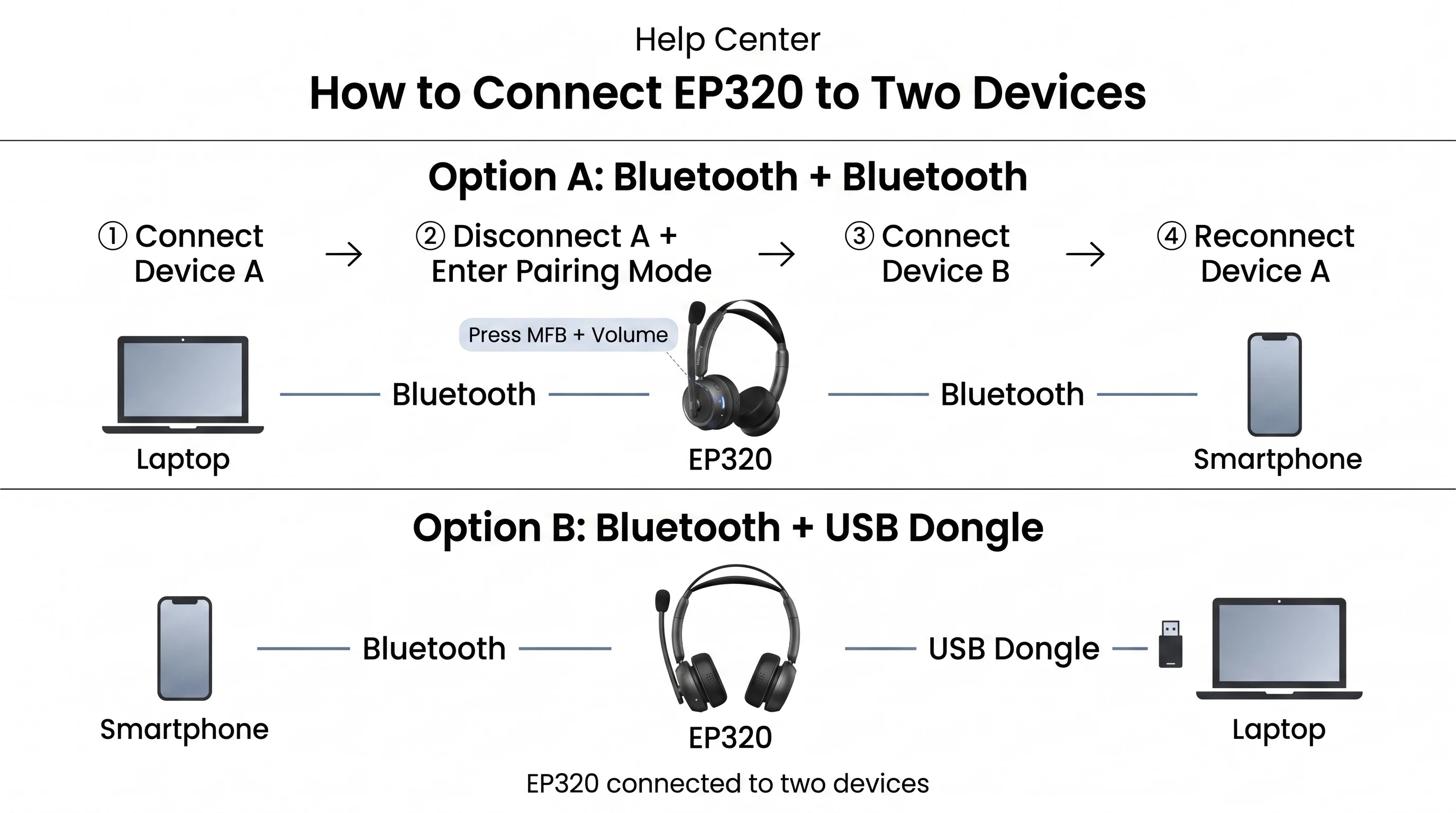
This article applies to the Nearity EP320 wireless headset with mic for work. The EP320 can stay connected to two devices at once — for example, your computer and your phone. Option A: Two Devices vi…
This article applies to the Nearity EP320 wireless headset with mic for work. The EP320 can stay connected to two devices at once — for example, your computer and your phone.
Option A: Two Devices via Bluetooth Only
1. Turn on the headset and connect it to Device A.
2. Disconnect the headset from Device A, then press the MFB button and the volume button at the same time to re-enter pairing mode.
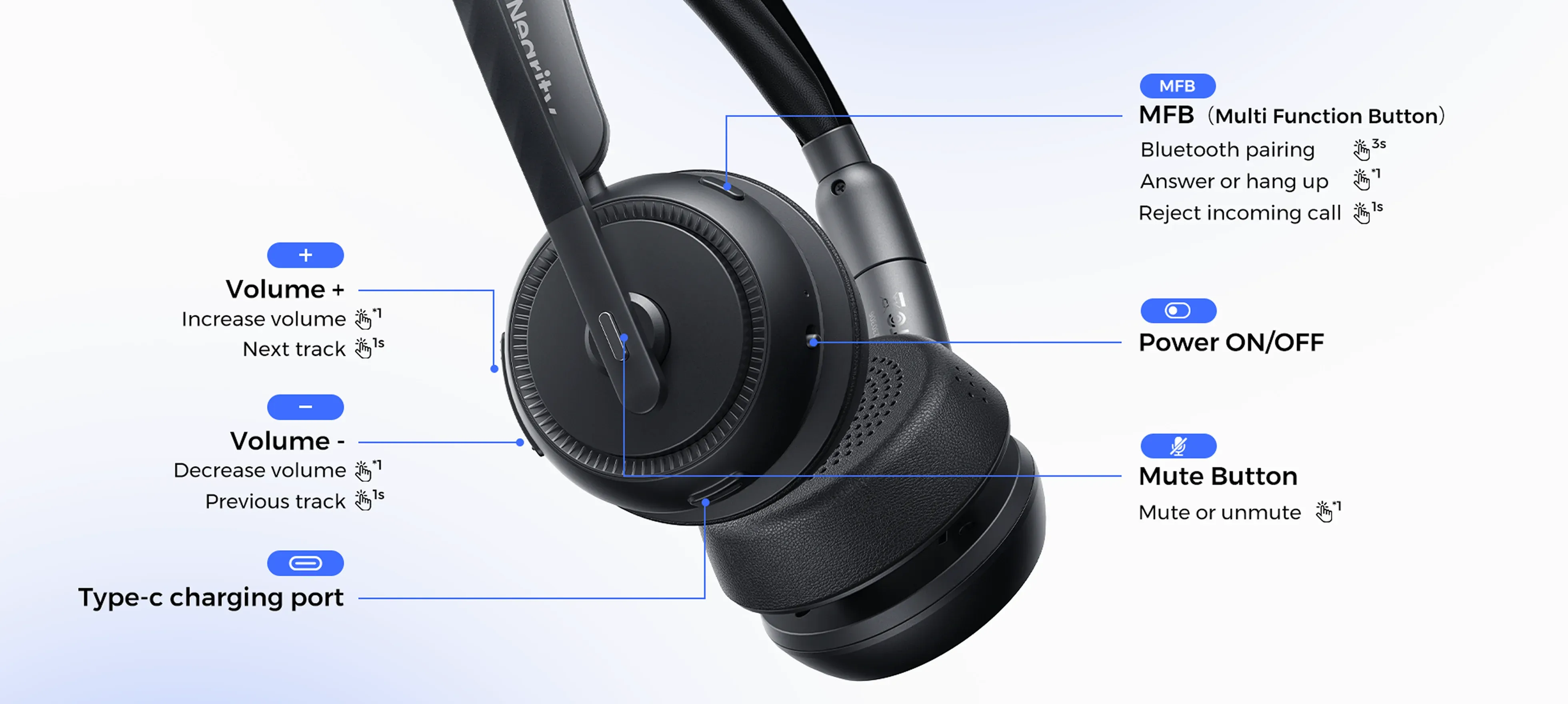
3. Connect the headset to Device B.
4. Finally, reconnect it to Device A.
The headset is now connected to both devices.
Option B: Bluetooth + USB Dongle
1. Turn on the headset and connect it to Device A via Bluetooth.
2. Connect it to Device B via the USB dongle.
Switching Between Devices
Important: When switching between devices, pause the audio on Device A first, then start the audio on Device B.
If the steps above don’t solve your problem, please contact us: support@nearhub.us
How did we do?
How do I put my EP320 into pairing mode?

