How to Clean and Care for Your NearHub Board?
Learn how to safely clean your NearHub Board screen, care for the stylus pens, and keep the device in good condition with these simple maintenance tips.
Applies to all NearHub Board models.
Cleaning the Board Screen
- Turn off the board and unplug the power cord before cleaning.
- Prepare a soft, dry microfiber cloth. Do not use paper towels, abrasive pads, or rough fabrics.
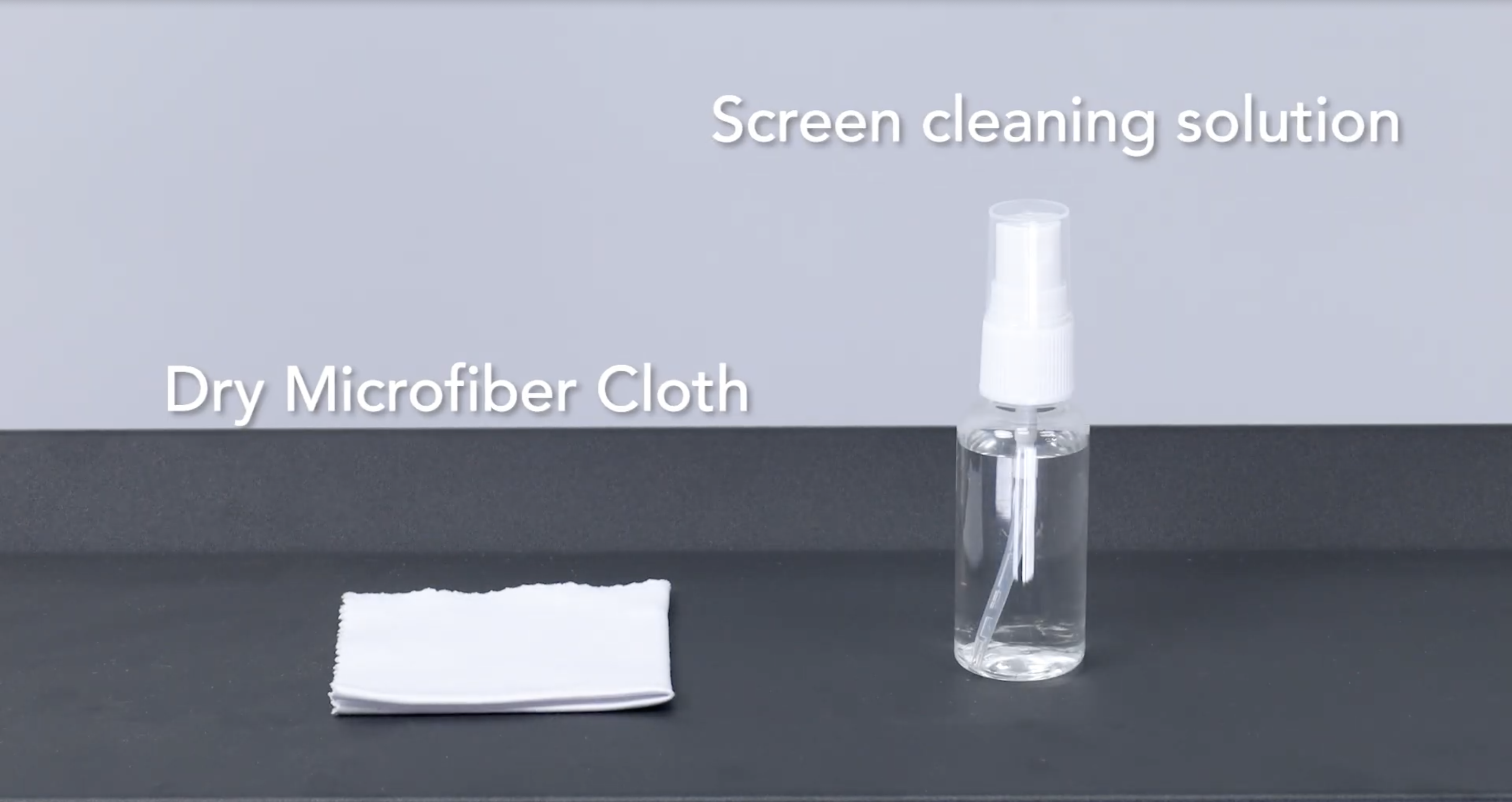
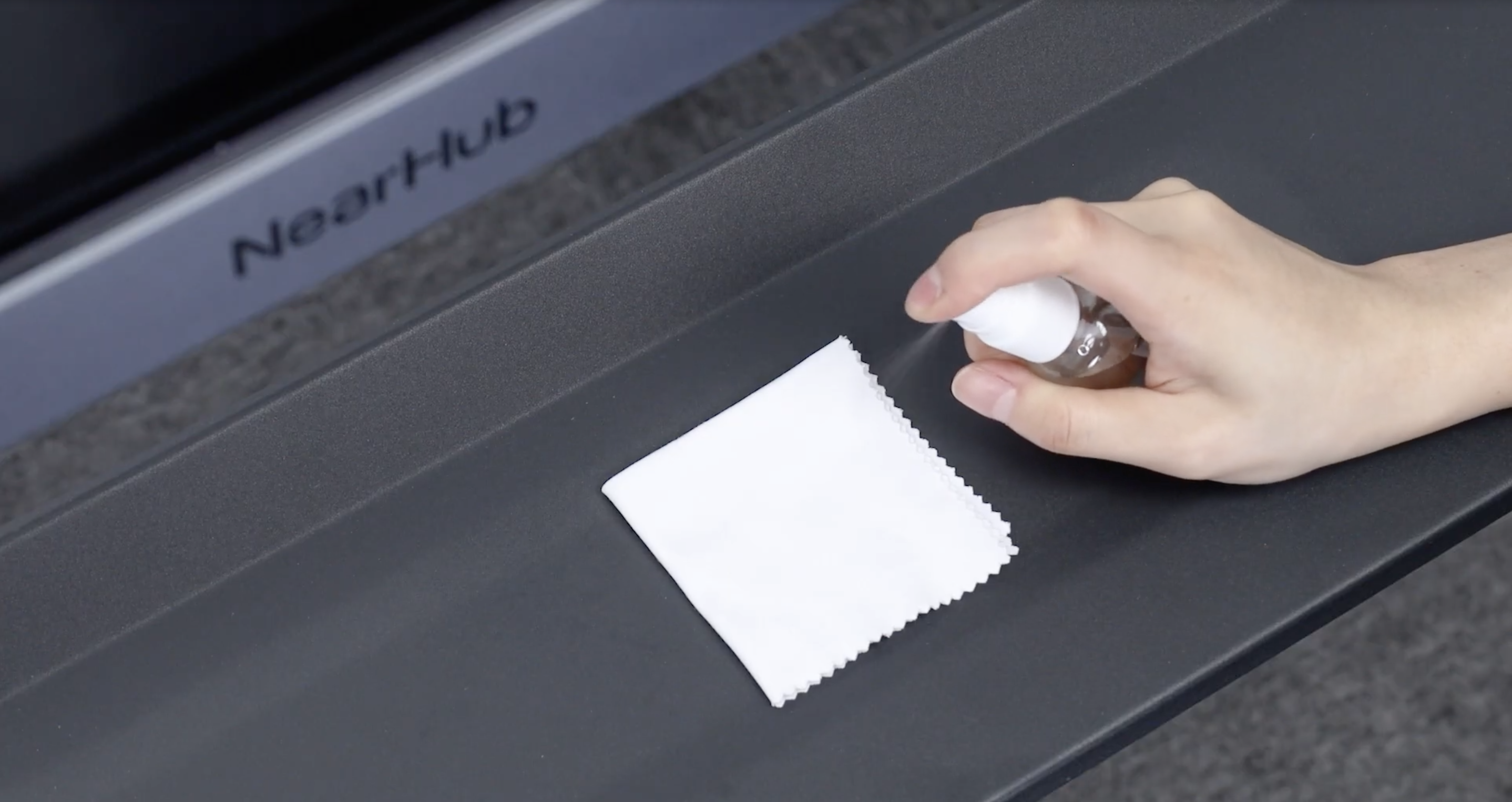
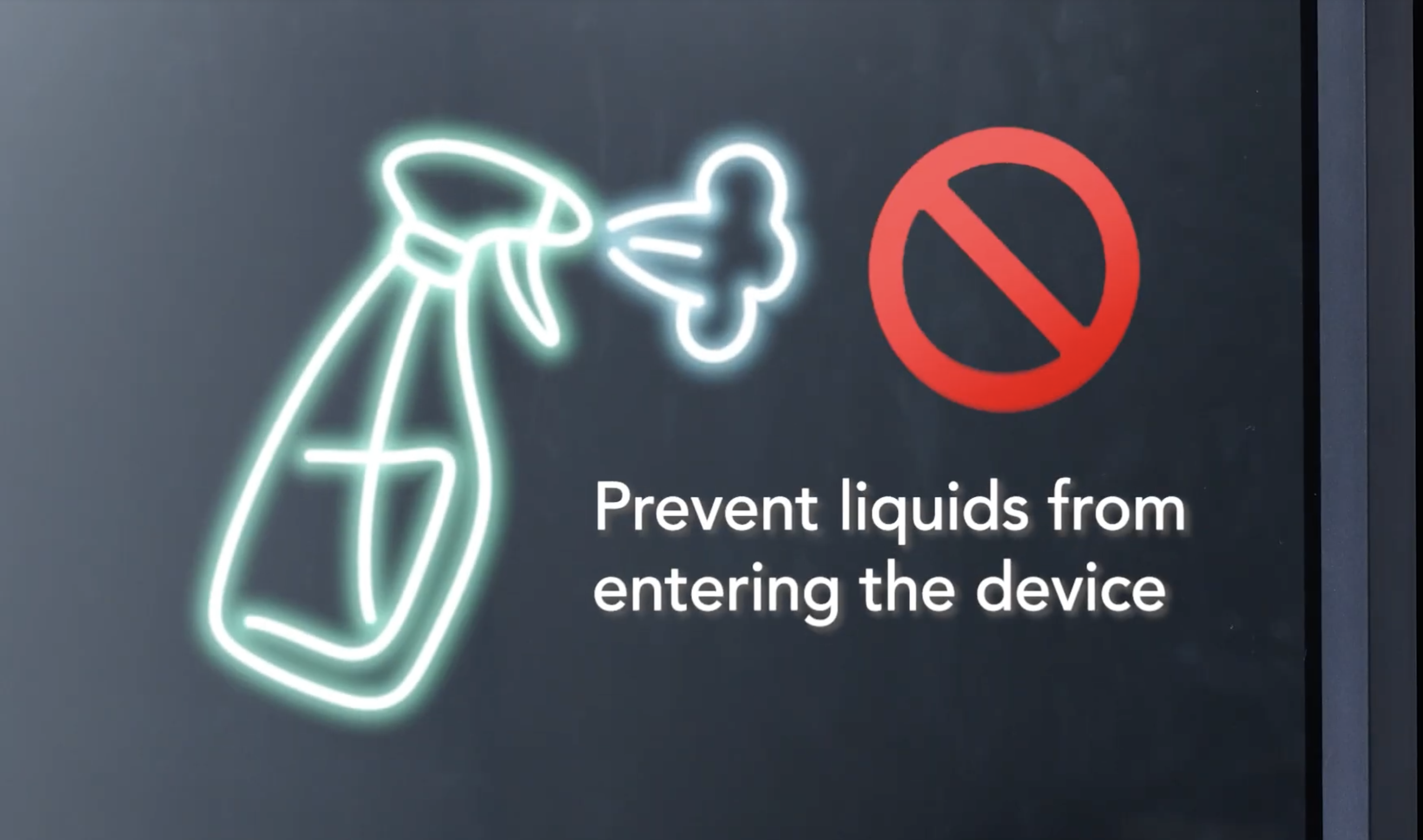
- Apply a small amount of screen-safe cleaner to the cloth. Never spray liquid directly onto the screen.
- Wipe gently in one direction — for example, top to bottom. Do not press hard or wipe in circles.
- Wait until the screen is completely dry before reconnecting the power cord.
Do not use cleaning products that contain alcohol, ammonia, or other harsh solvents.
Cleaning the Stylus Pens
Wipe the stylus with a lightly damp cloth. Allow it to dry completely before using it on the screen again.
General Care Tips
Placement
- Keep the board out of direct sunlight and away from heat sources such as radiators or stoves.
- Do not block the ventilation openings on the back or sides of the unit. Blocking ventilation prevents the device from cooling properly.
Power
- Unplug the board when it will not be used for an extended period.
- Use only the included power cord. If the power cord is damaged, contact support for a replacement. Do not use a substitute cord.
- Protect the power cord from being pinched or walked on, particularly at the point where it connects to the board and the wall outlet.
Handling
- Do not lift or carry the board by holding the screen panel. Hold the frame instead.
- Do not subject the board to strong impact or vibration.
Moisture
- Do not expose the board to rain, water, or excessively humid environments.
- If the board becomes wet, wipe it dry with a clean, dry cloth immediately.
How did we do?
NearHub Board Buyer’s FAQ

