Table of Contents
How do I Screencast by HDMI on NearHub Board?
You can use HDMI cable to mirror your computer on the NearHub Board, so that you can use it as a second screen. Here are some concrete steps to help you. If you also want to know how to use screen mi…
Table of Contents
You can use HDMI cable to mirror your computer on the NearHub Board, so that you can use it as a second screen. Here are some concrete steps to help you. If you also want to know how to use screen mirroring by AirPlay, EShare or share your screen in AP mode (Hotspot), just click the words.
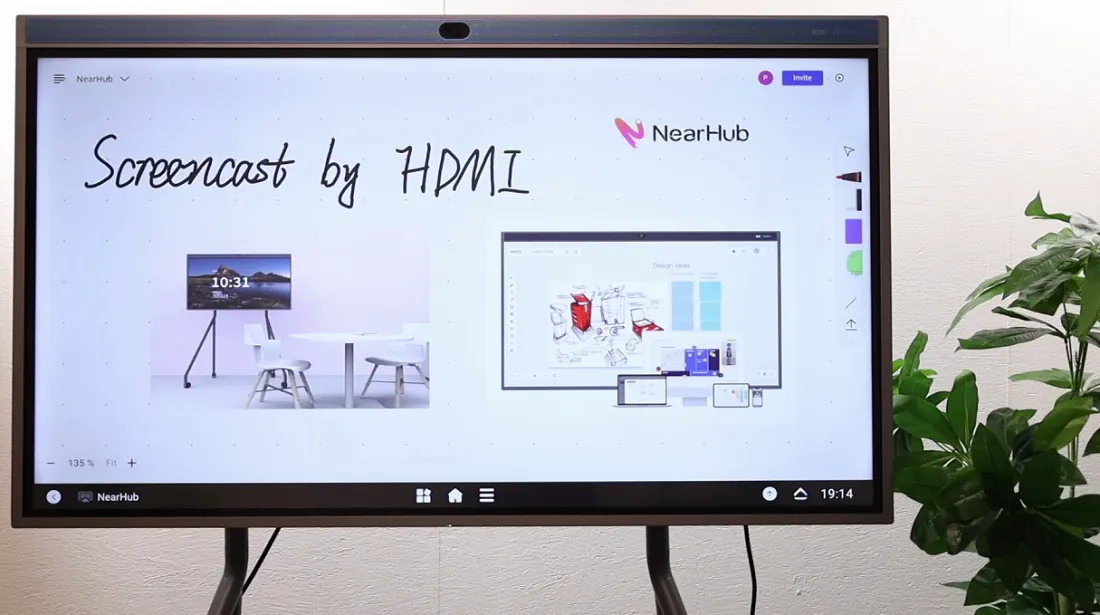
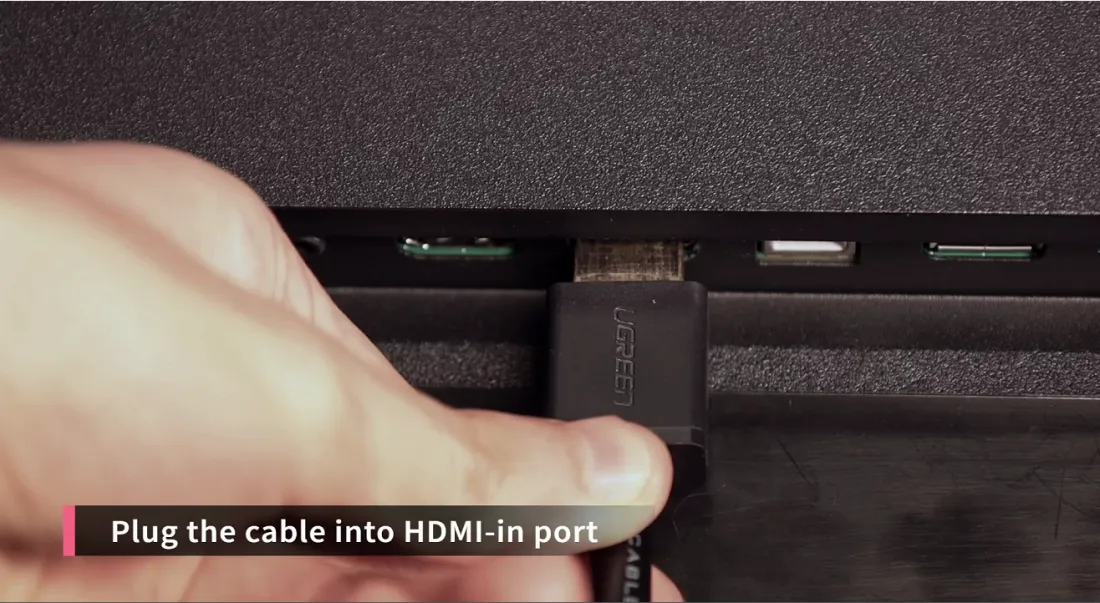
Step 1 Plug the cable into HDMI-in port
You need have your own HDMI cable. Plug it into the back of your NearHub Board in the HDMI-in port.
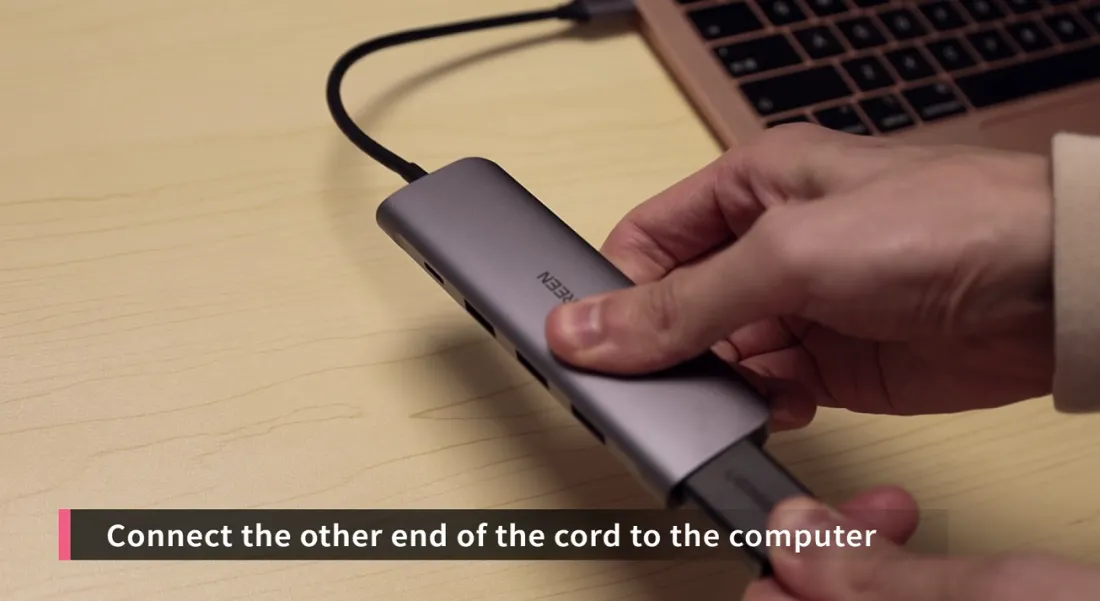
Step 2 Connect the other end of the cord to the computer
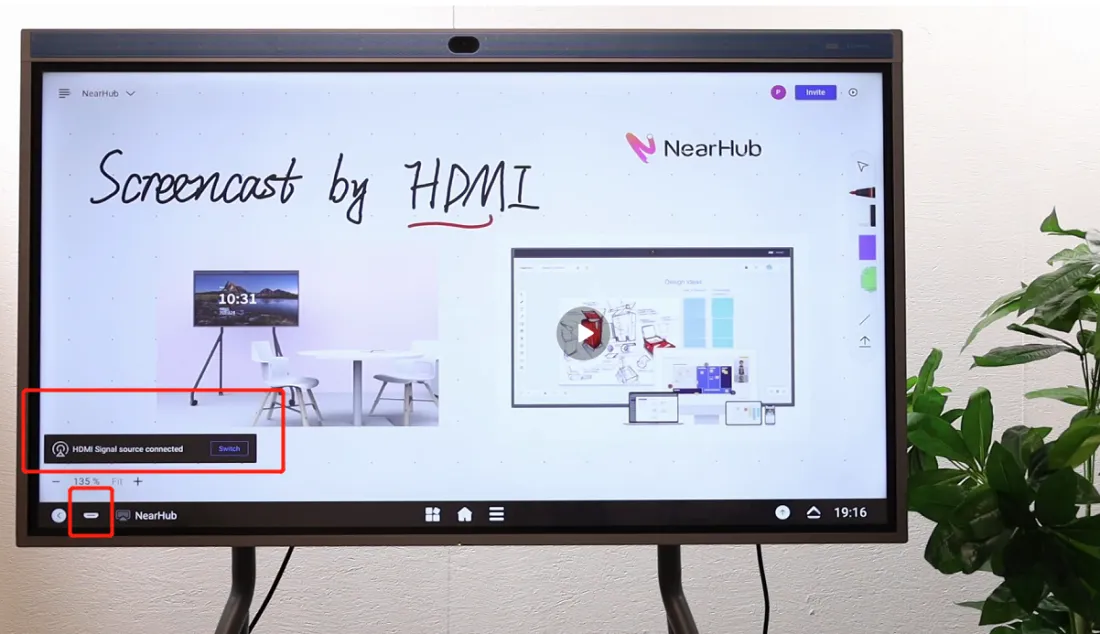
Step 3 Bring the computer up to full screen
And then when you see a little pop-up come up on the board, HDMI signal source get connected. And now you are able to see whatever on your computer on your whiteboard. Tap the button in the picture and bring your computer up to full screen. This is a good option if you are working with your teams, because it enables everyone to see the screen.
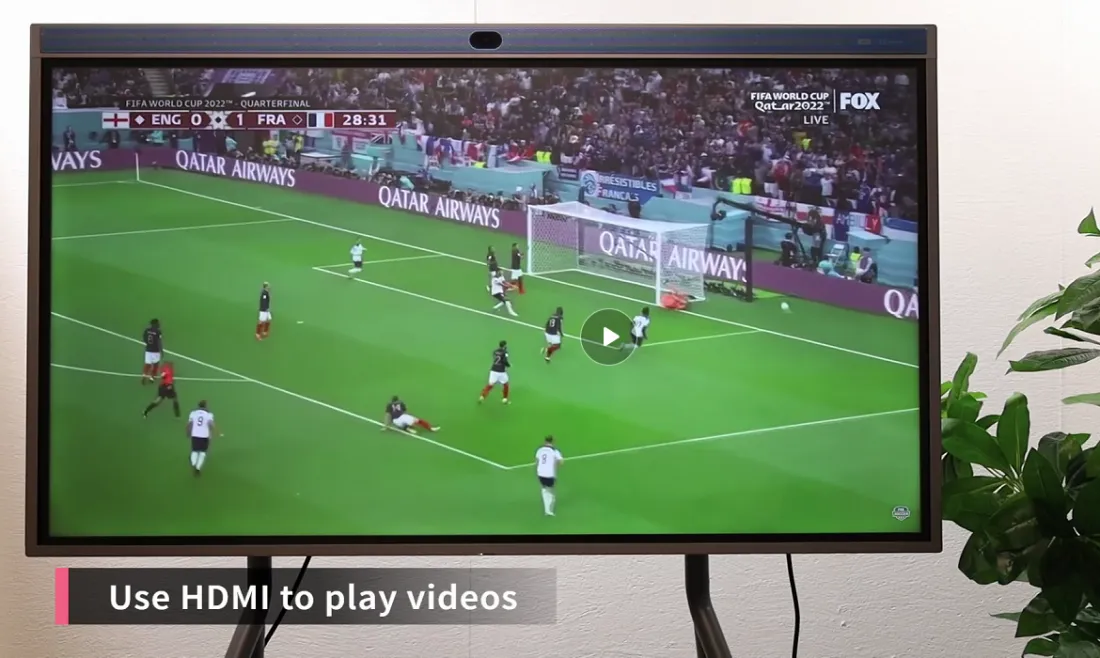
Step 4 Use HDMI to play videos
You can use HDMI to play videos, such as the World Cup live.
Step 5 Annotation
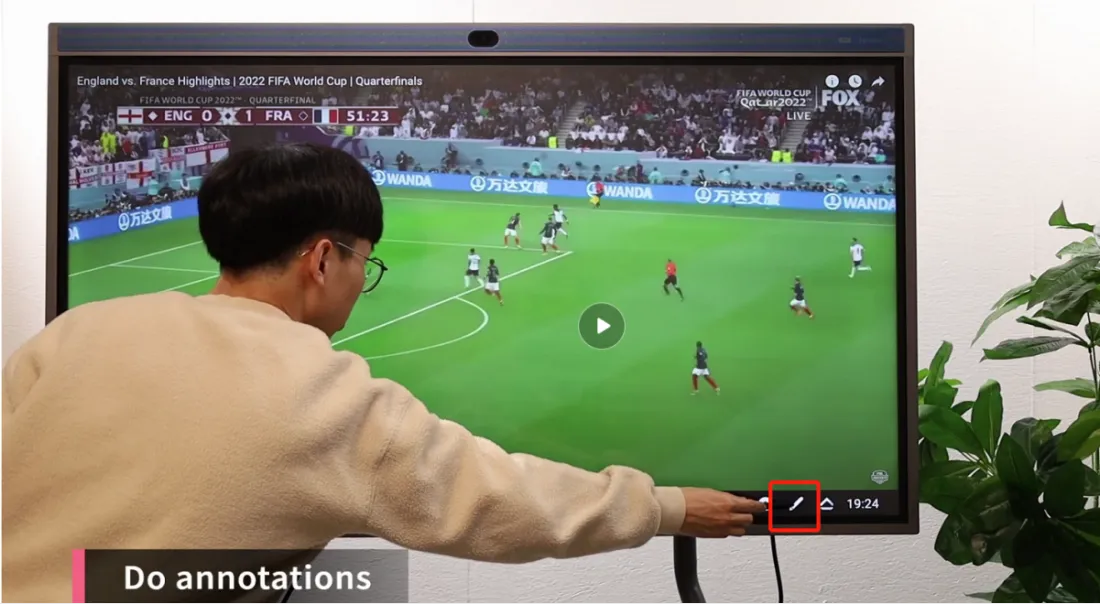
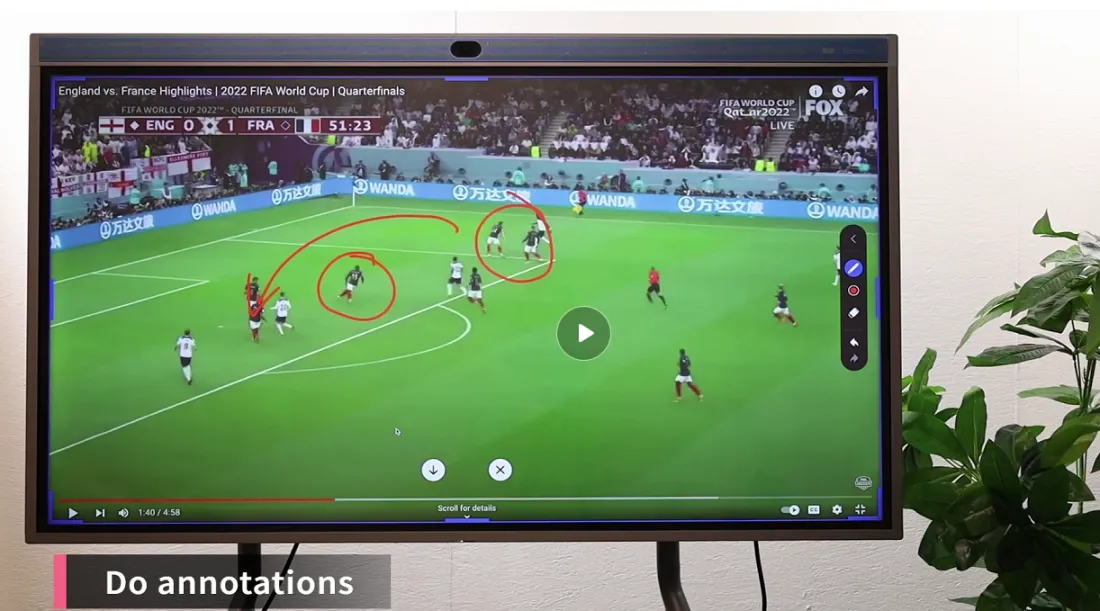
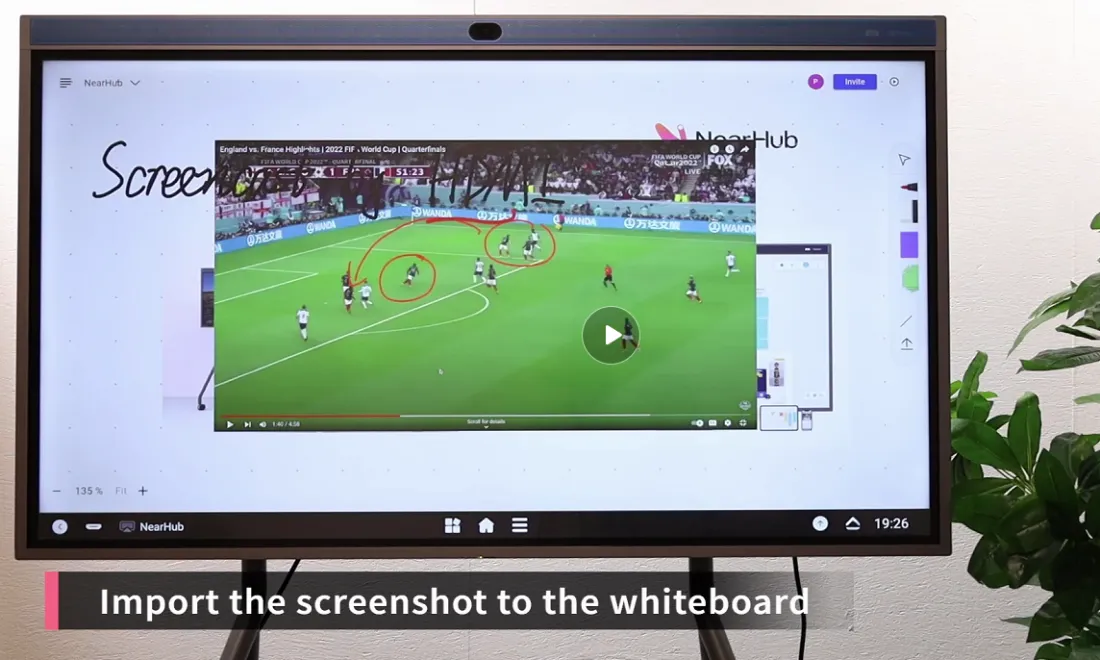
You can annotate on the screen with a stylus during your screen mirroring. Slide up from the bottom and click the pencil-like button in the right. Then you can write and draw on the screen.
Step 6 Import the screenshot to the whiteboard
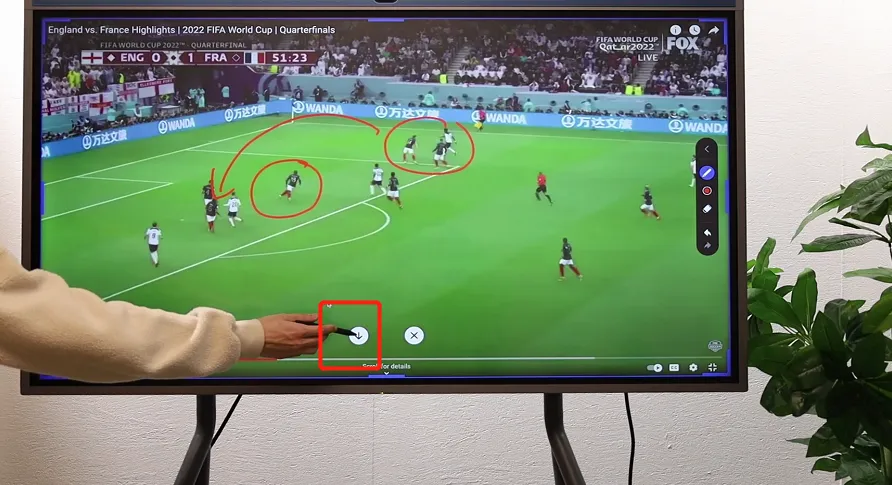
You can also import the annotated screenshot to your NearHub app by click “↓”.
If you meet any problems in the process or have any further questions, please submit a support ticket here. Our support team will respond as soon as possible.
How did we do?
How to Sharing your Apple device's screen to the NearHub Board?

