What Is an All-in-One Conference Camera?
Learn what an all-in-one conference camera is, what components it can integrate, and when an integrated meeting device is useful.
An all-in-one conference camera is a video conferencing device that integrates a camera, microphones, and speakers into a single unit, allowing users to handle video and audio for meetings without setting up separate conferencing devices.
Depending on the model, it may integrate:
- Camera
- Microphones
- Speakers
- Processing
- AI video functions
- Connectivity
The exact combination varies by manufacturer.
Why Combine These Functions?
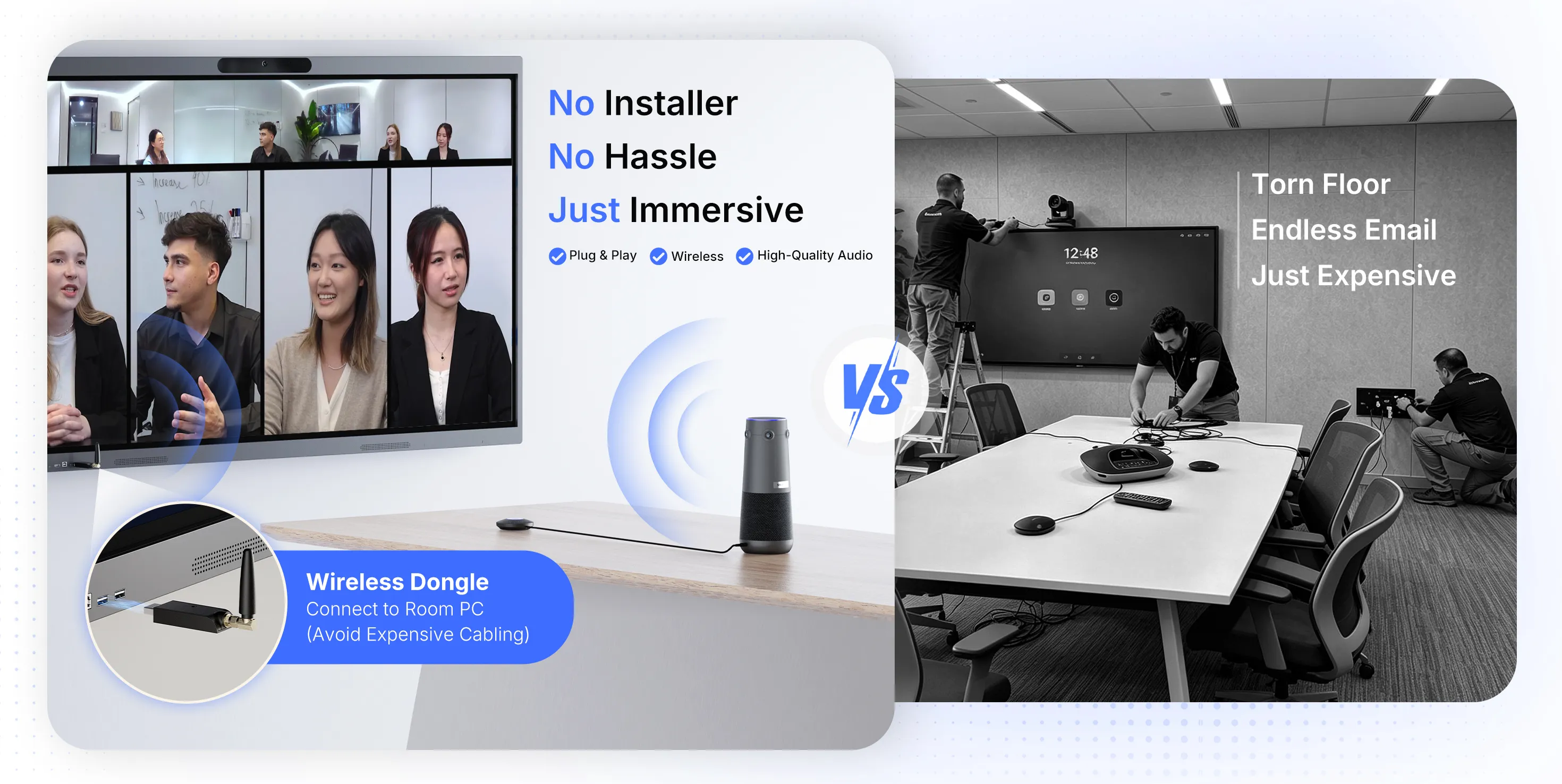
The integrated design simplifies meeting room setup and reduces the number of devices and connections required. Most all-in-one conference cameras are also designed for plug-and-play use with video conferencing platforms, making them suitable for hybrid meetings and conference rooms.
Potential benefits include:
- Simpler installation
- Fewer cables
- Smaller equipment footprint
- Easier room setup
- Easier device replacement
- More predictable hardware interaction
Camera + Audio Integration
A single device can combine video capture with audio capture and playback.
This is particularly useful in smaller spaces where separate microphones and speakers may not be necessary.
Where Are All-in-One Cameras Used?
Common applications include:
- Huddle rooms
- Small conference rooms
- Personal offices
- Training spaces
- Classrooms
Larger rooms may require additional cameras or audio hardware.
What Should You Evaluate?
Do not evaluate an all-in-one device only by its component count.
Check:
Camera
- Resolution
- Field of view
- Framing
- Tracking
- Low-light performance
Audio
- Microphone pickup range
- Noise reduction
- Echo cancellation (AEC)
- Speaker output quality
Connectivity
- USB
- Ethernet
- Wireless
- Other supported interfaces
Platform Compatibility
Check the intended meeting platform and operating-system environment.
Both Zoom and Microsoft maintain certification programs for conferencing hardware and room peripherals. The Microsoft Teams Devices Certification Program evaluates specific hardware and performance requirements — audio, video, user interface, security, and accessibility — but explicitly does not evaluate every feature-level or cloud-environment capability.
All-in-One Does Not Mean Universal
A device can integrate multiple functions and still have limitations.
Compatibility, room size, microphone coverage, camera framing, and software support should all be tested before deployment.
NearHub All-in-One Conference Cameras
NearHub's all-in-one conference camera lineup includes options for huddle rooms, medium conference rooms, and large boardrooms:
Related Terms
How did we do?
Touch Points and Touch Response Time Explained
What Is a Conference Camera?

