Quick Start Guide To Set Up NearHub Board S Series
Here is a step-by-step guide for setting up your NearHub board S Series for the first time. After powering up the NearHub board S Series and seeing the welcome message, please choose a system languag…
Here is a step-by-step guide for setting up your NearHub board S Series for the first time.
- After powering up the NearHub board S Series and seeing the welcome message, please choose a system language.
- Select your time zone, then click Next.
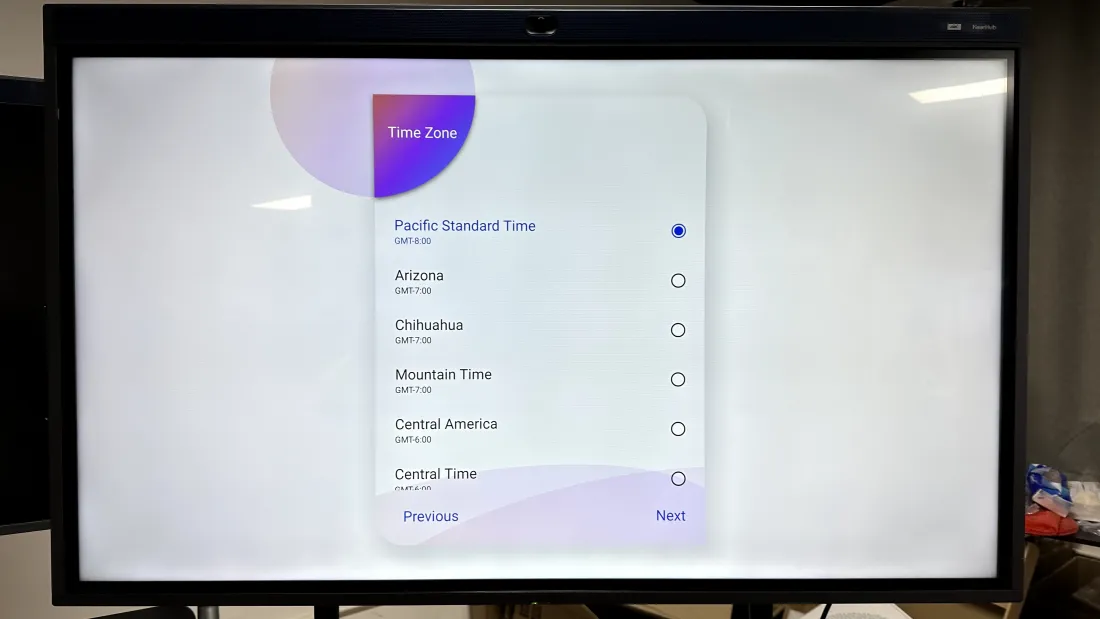
- Select your preferred WiFi network and enter the password.
- Give your NearHub board a name. (This will help you find the device when you wirelessly screencast.)
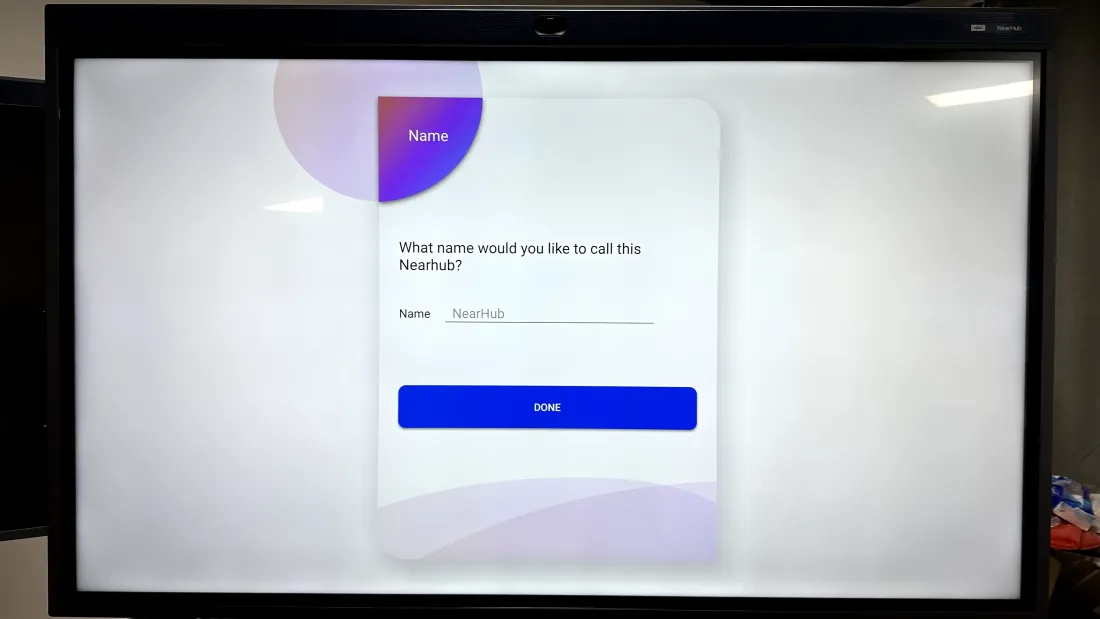
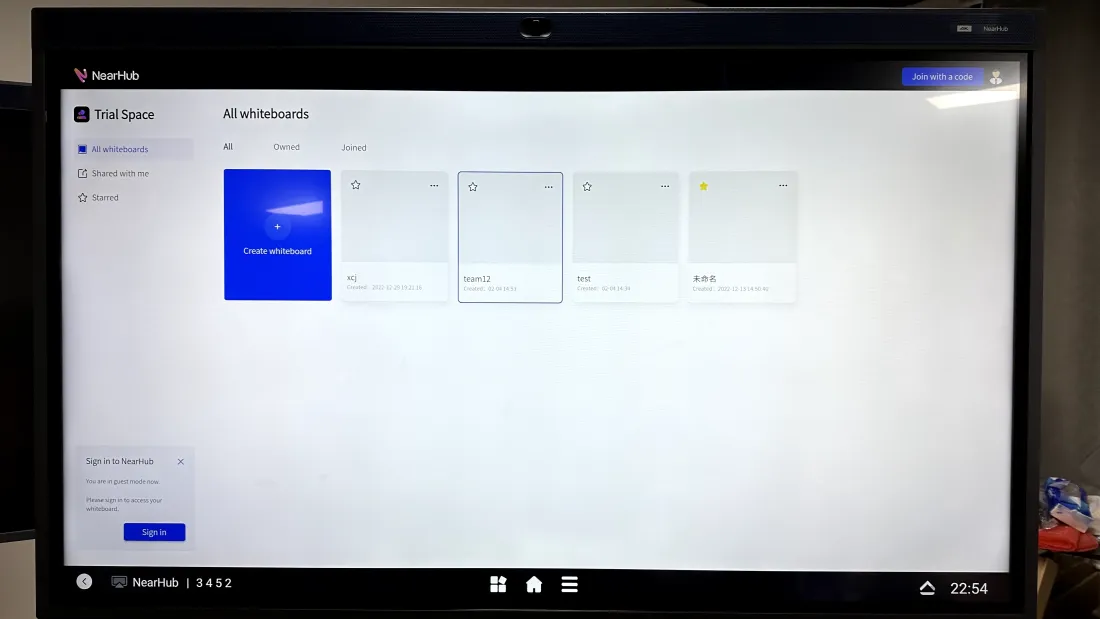
- After finishing the initial setup, you arrive at the start screen. You can tap on NearHub Canvas, Apps, NearHub Cast and Meeting to start whiteboarding, screencasting, conferencing or using 3rd party apps.
- You have the option of logging into your own NearHub account or starting a public session right away on the NearHub board. Just click or press the "Sign in" button located in the lower left-hand corner. To ensure that all personal settings and files are automatically preserved while you work, we advise creating an account.
How did we do?
How to Install the Stand of NearHub Board S65/ S75/ S86 ?