Nearity A20S Conference Speakerphone — Product Info, Room Fit, Platform Compatibility, and Spec Comparison
Applies to Nearity A20S conference speakerphones connected to a computer by USB, or daisy-chained over PoE with the main unit connected by USB.. This guide answers the most common pre-sale questions…
This guide answers the most common pre-sale questions about the Nearity A20S: what it is, which room sizes it fits, which platforms it works with, and how it compares with other Nearity audio products.
Product Overview
The Nearity A20S is a professional USB conference speakerphone (speaker + microphone, no camera) designed for meeting rooms of any size.
Key Features
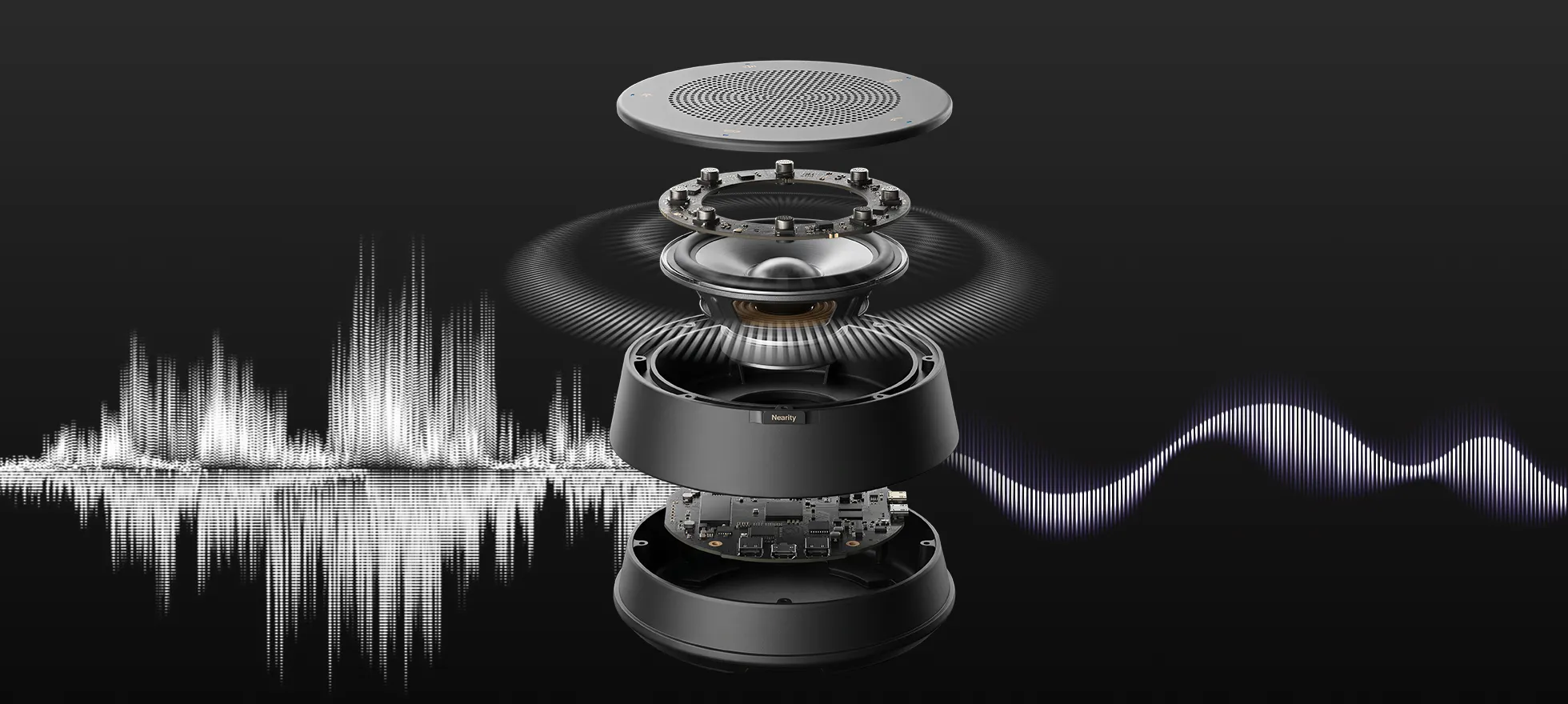
- 8 omnidirectional MEMS microphones with 360° coverage and a 16 ft / 5 m pickup radius.
- A 4-core CPU and 3 TOPS NPU running AI 2.0 noise cancellation, echo cancellation, and de-reverberation in real time.
- Full-duplex audio with Automatic Gain Control (AGC) and beamforming, so every seat sounds equally loud and clear.
- A Hi-Fi speaker tuned for the voice band.
- PoE daisy-chain for up to 6 units over standard Ethernet cables — only the main unit needs a power adapter.True plug-and-play over USB-C. Wired only by design (no Bluetooth/Wi-Fi), and NDAA Section 889 compliant for secure environments.
Room Suitability
One A20S covers a general small meeting room; daisy-chaining scales the same device up to large rooms without replacing your setup.
- Small room: 4–8 people, 100–250 sq ft. Use 1 A20S. A single unit covers up to 540 sq ft (50 m²) with a 16.5 ft pickup radius.
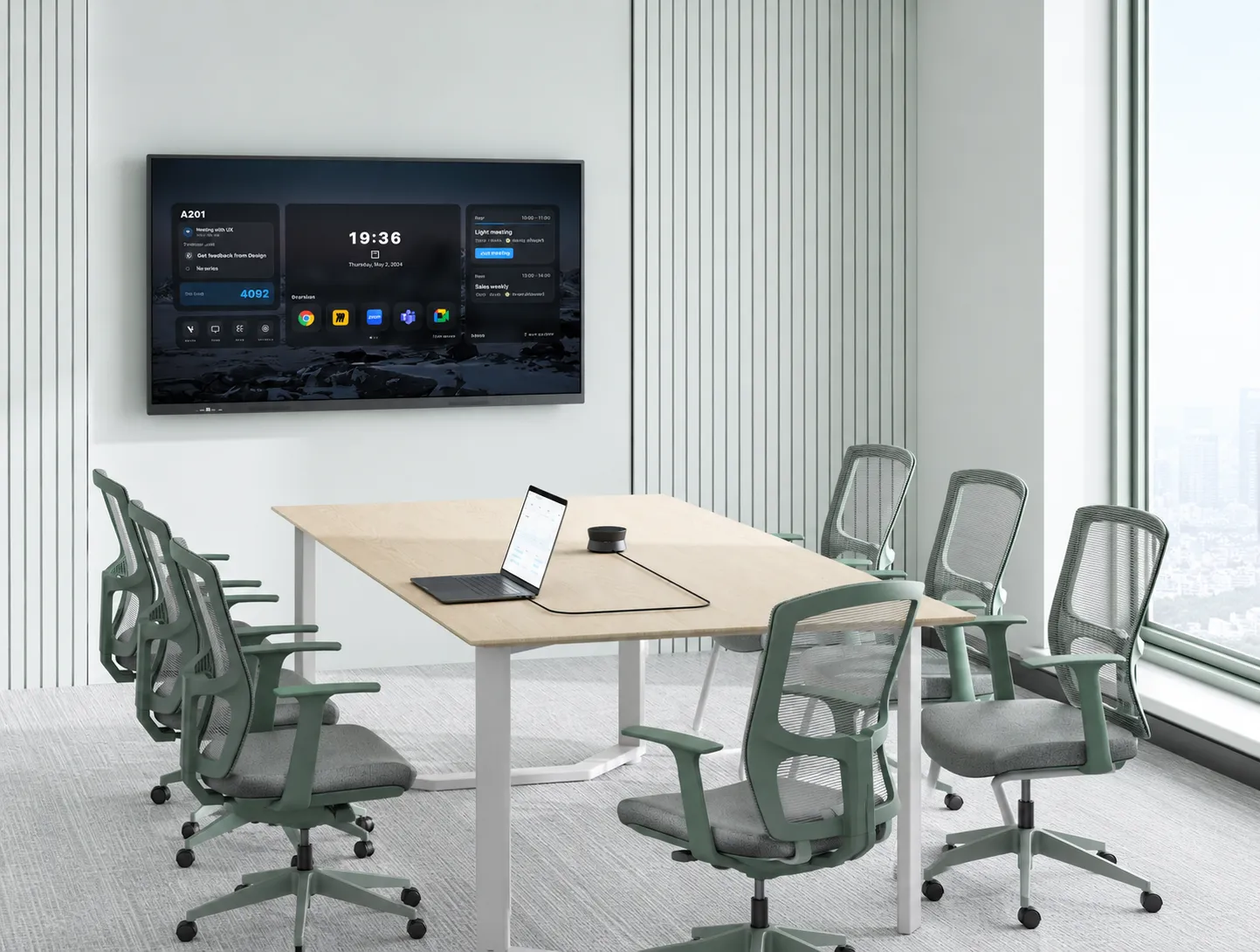
- Medium room: 8–14 people, 250–450 sq ft. Use 1–2 A20S units and daisy-chain as needed.
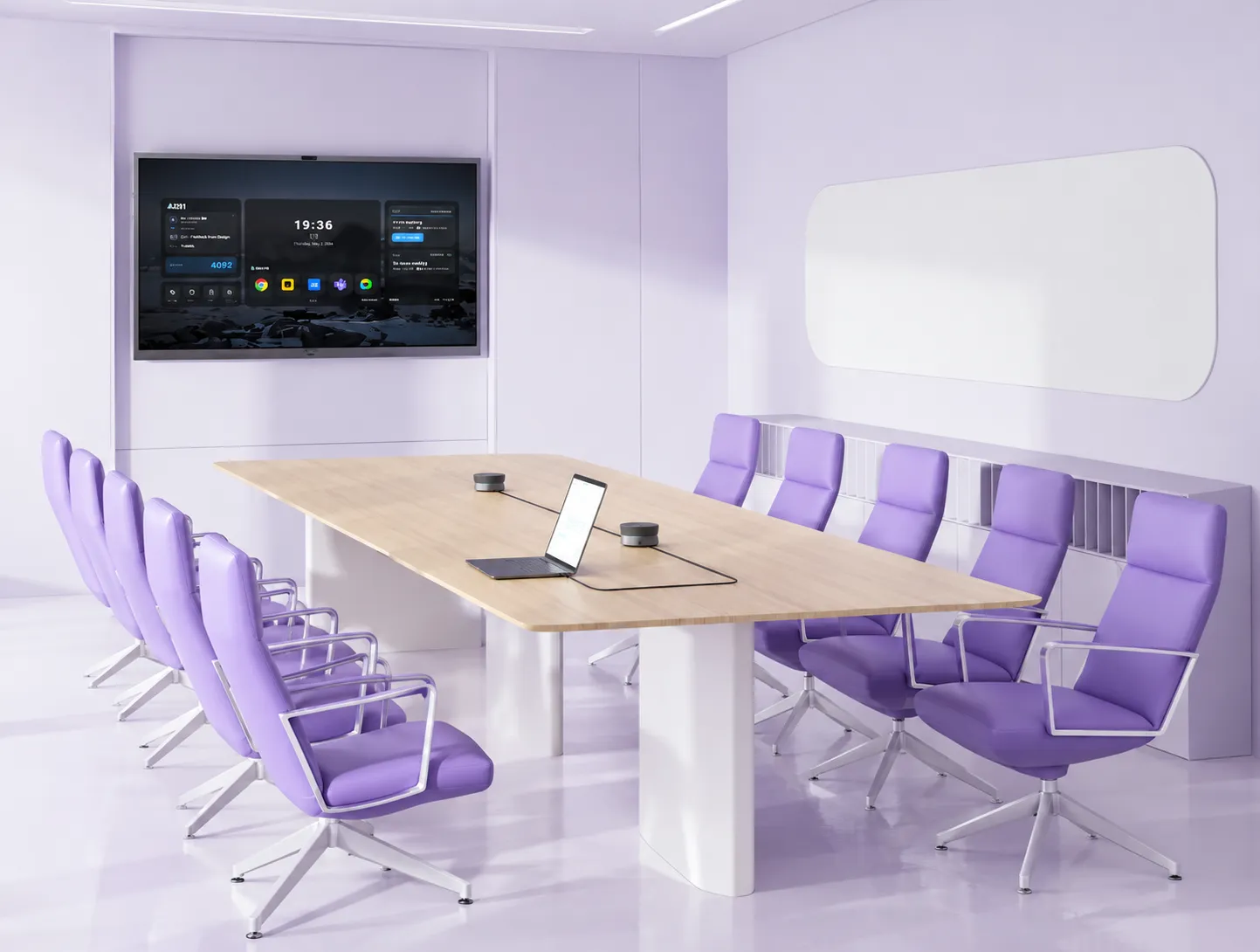
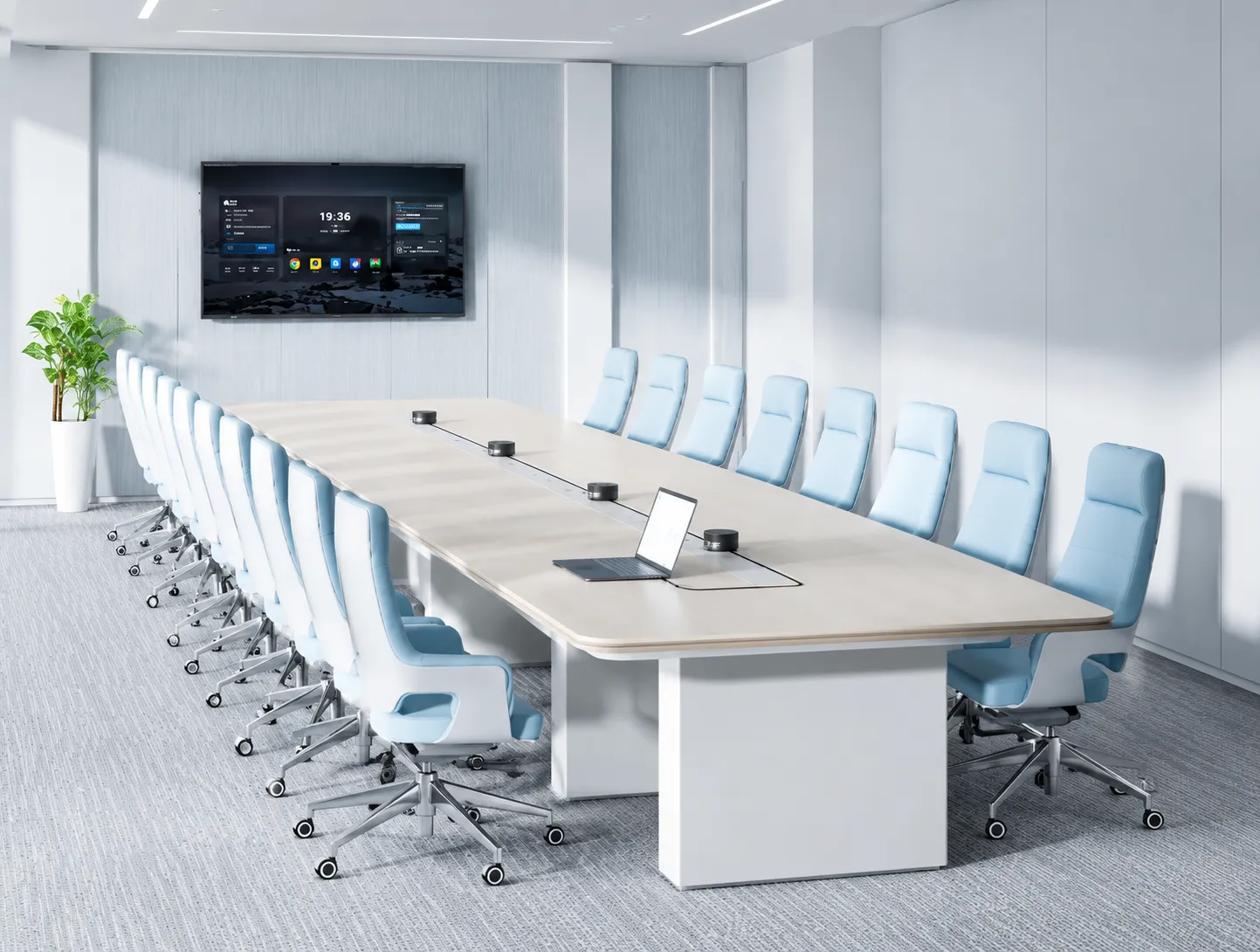
- Large room: 14–20+ people, 300–600 sq ft. Use 3–6 A20S units. Daisy-chain up to 6 units; rooms of 100+ people are supported.
Platform Compatibility
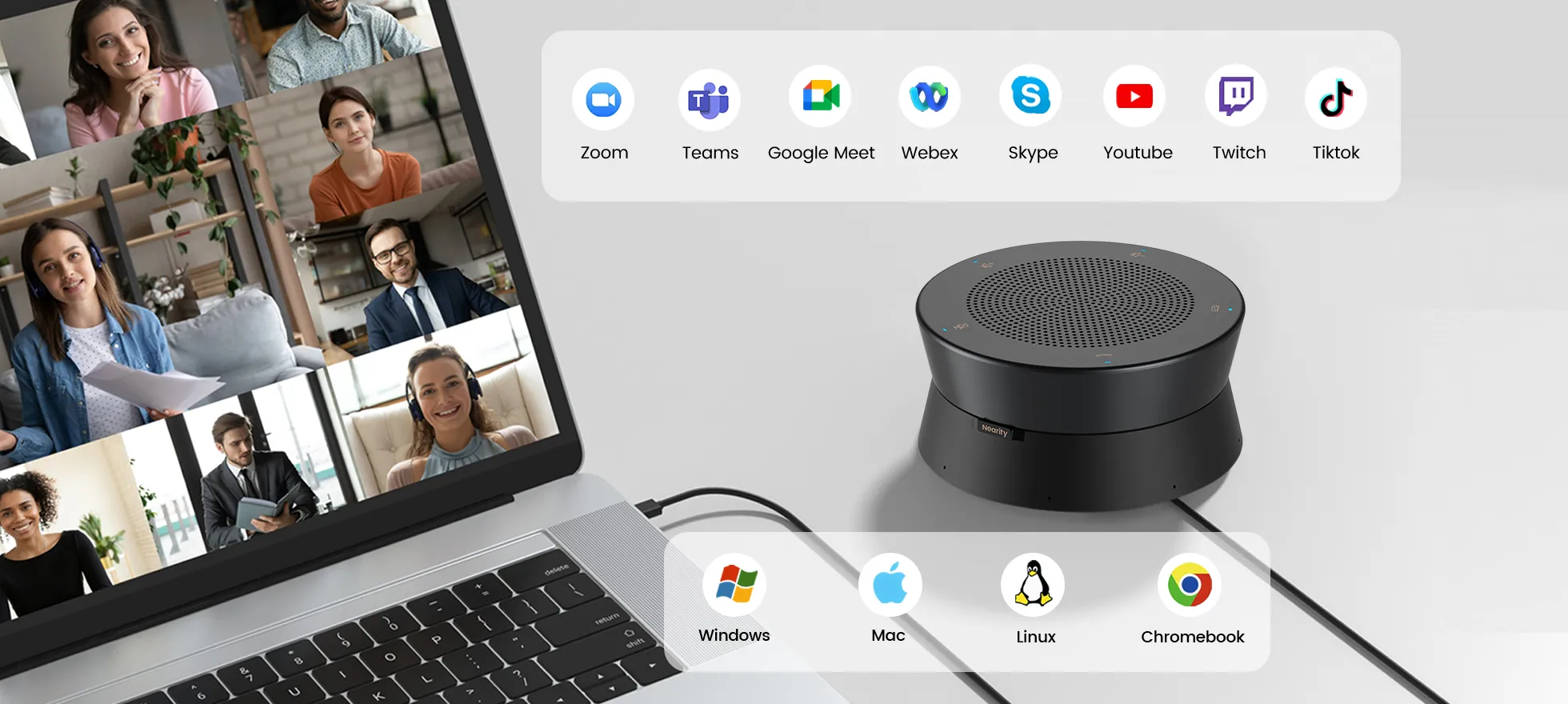
The A20S connects as a standard USB microphone and speaker — no drivers, no software.
- Meeting platforms: Zoom, Microsoft Teams, Google Meet, Webex, and most other meeting applications.
- Select the Nearity device as both the Speaker and Microphone in your platform's device settings.
- Operating systems: Windows, macOS (M1/M2/M3 and Intel), ChromeOS, and Linux.
If You Still Need Help
If the steps above do not resolve the issue, please contact NearHub Support at support@nearhub.us.
How did we do?
Nearity 360 Alien All-in-One Conference Camera — Product Info, Room Fit, Platform Compatibility, and Spec Comparison

